

Key takeaways
- Zenden for macOS is available today -- free to download, no account required
- Files travel peer-to-peer directly to the recipient -- nothing is stored on a server
- Recipients need no account: a link and a short passphrase are all it takes
- Pro ($8/mo · $80/yr) adds TURN relay (works from any network) and cloud async upload
- Windows and Linux versions are in development
Zenden is a macOS app for sending files directly to someone. You drop a file, click Share, and the app generates a link and a six-word passphrase. The recipient opens the link in any browser, enters the passphrase, and the file transfers straight from your machine to theirs. No upload step. No cloud storage. No account on either end.
It is built for the cases where email attachments hit size limits, cloud storage feels like too much overhead, or you simply do not want a copy of the file sitting on someone else's infrastructure. See how Zenden compares to WeTransfer, Perkoon, Wormhole, and the rest if you want a side-by-side before reading further.
How it works
The flow is deliberately short. Open Zenden — it presents an empty drop zone. Drag a file in, or use the file picker. That is all the setup required.
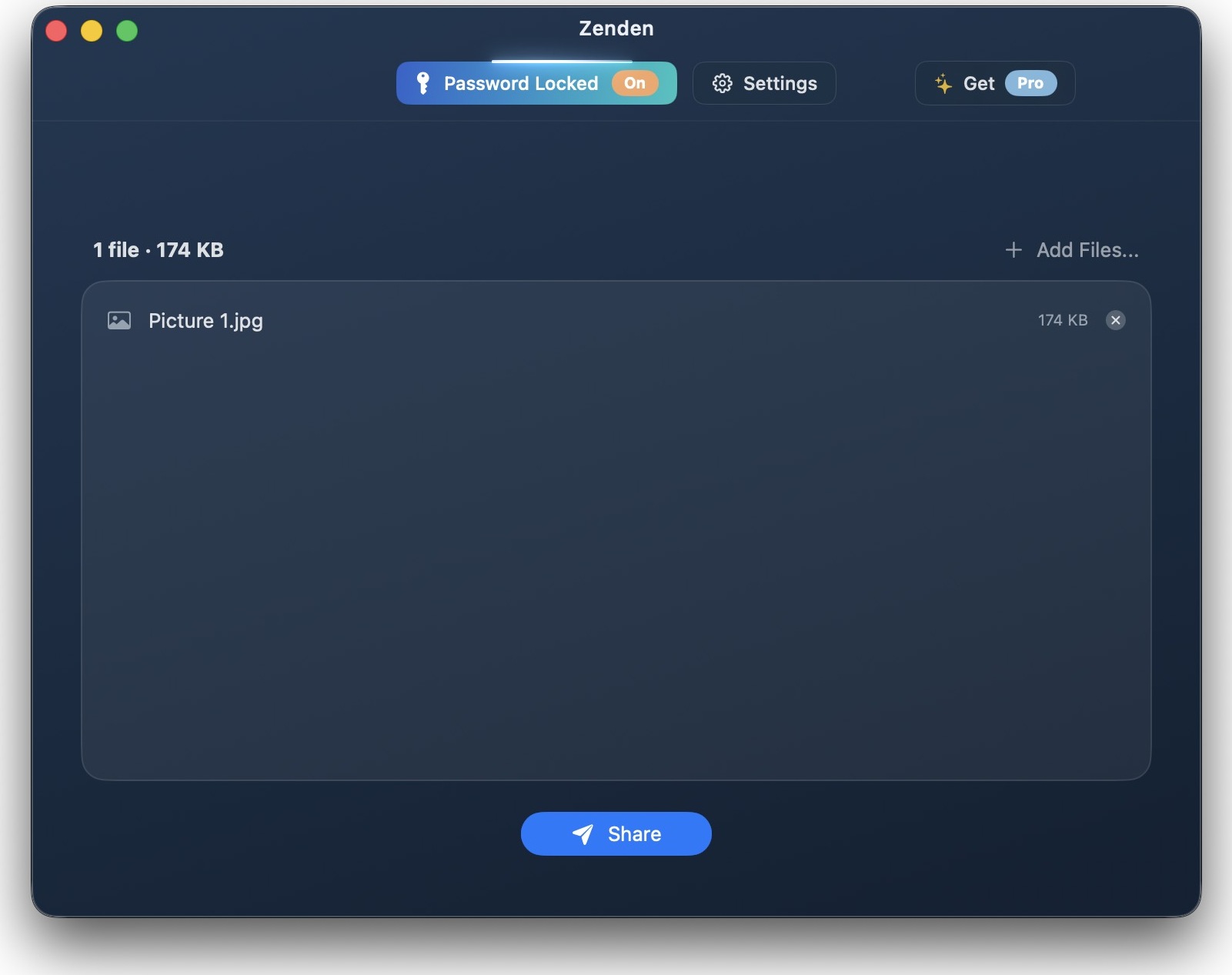
Once a file is loaded you see its name, size, and a single Share button. Press it and Zenden shows a confirmation before starting the session.
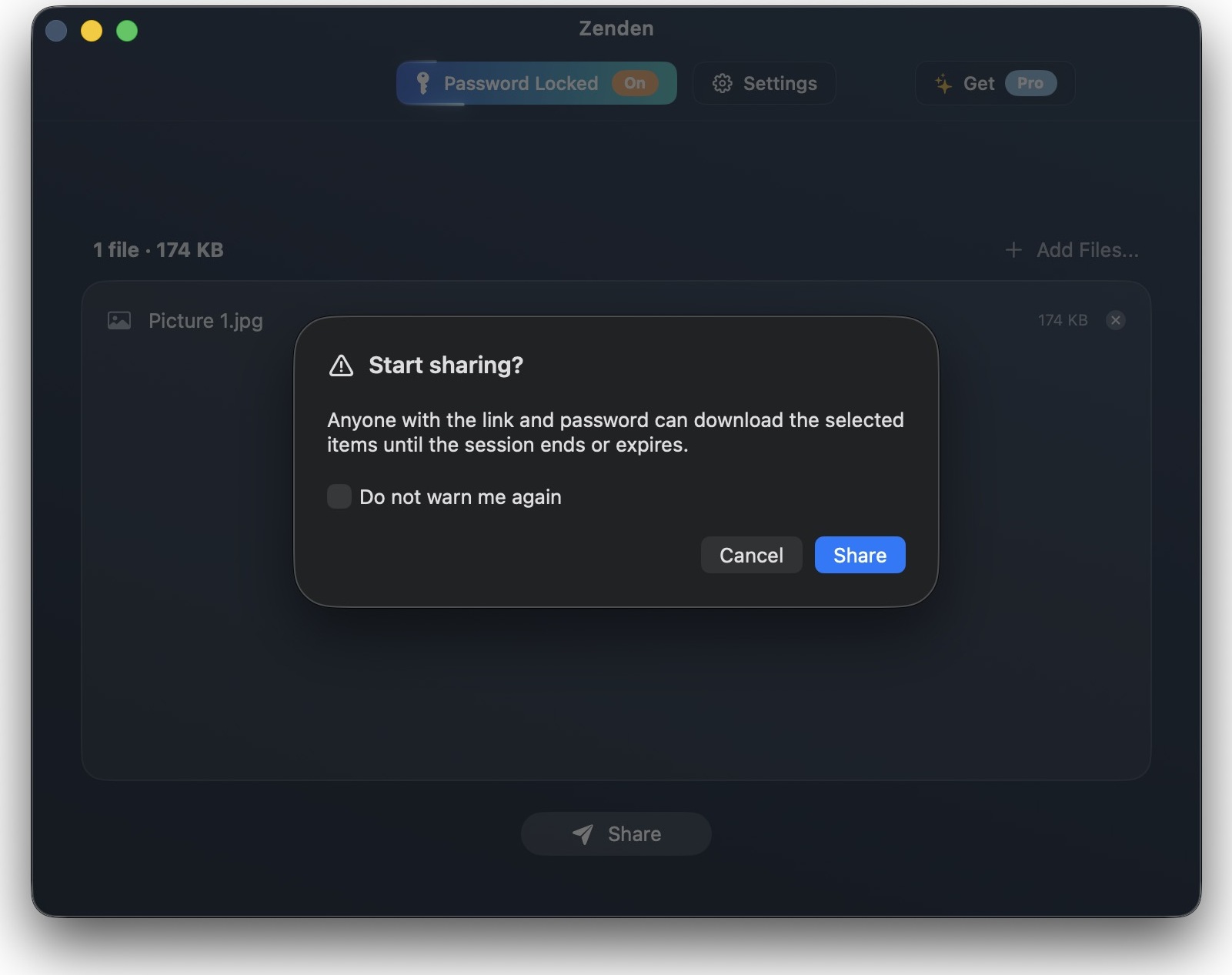
The dialog reads: "Anyone with the link and password can download the selected items until the session ends or expires." That is the complete security model, stated plainly.
What the sender sees
After confirming, Zenden enters its share state.
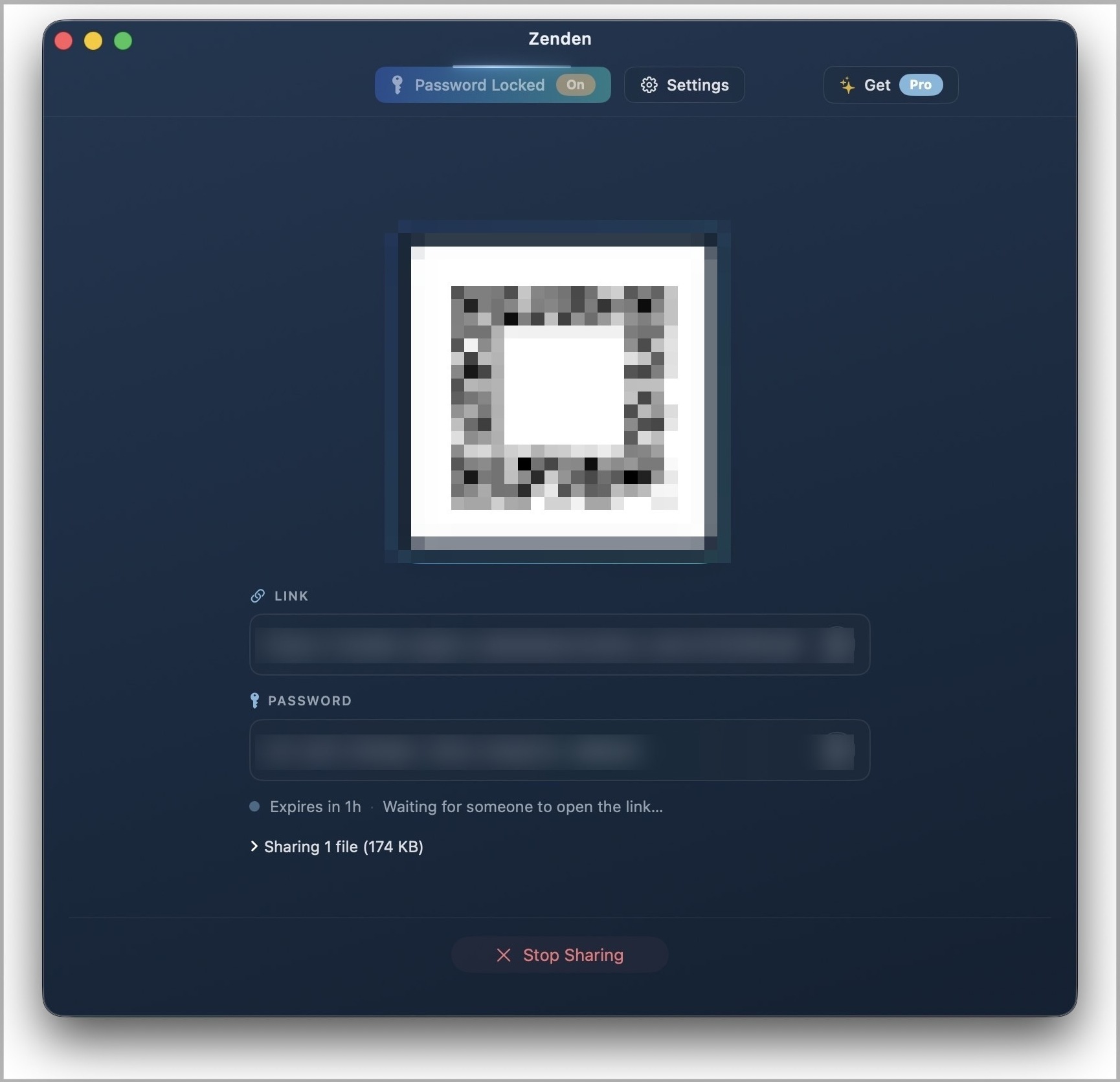
You get a QR code you can hold up to a phone camera, a short link you can paste anywhere, and the passphrase. Below that: the session expiry, current status ("Waiting for someone to open the link..."), and a Stop Sharing button. When the recipient connects, the status updates in real time. When the transfer completes, you can close the session manually or let it expire.
The QR code and link work interchangeably — scan or paste, same result.
What makes it different from cloud sharing
Most file-sharing tools work the same way: you upload the file to a server, the server holds it, and the recipient downloads it from the server. That means the file exists in a third location while the transfer happens, and it stays there until it is explicitly deleted or a retention policy cleans it up.
Zenden takes a different path. The file never leaves your machine until the moment the recipient requests it, and it goes directly to them. There is no intermediate copy. When you press Stop Sharing or close the app, the link immediately stops working — not because a file was deleted somewhere, but because the source is no longer listening.
The recipient does not need an account. They open a URL, enter a passphrase, and the download starts. That is the full interaction on their side.
Pricing
Zenden is free to download. The Free tier is fully unlocked for direct P2P transfers: no file-size cap, no limit on recipients, folders and multi-file sessions supported, sessions up to 7 days. If you are on a straightforward home or office network, you may never need anything more.
Zenden Pro is $8/month or $80/year (annual is two months free, cancel anytime). Pro adds two capabilities that require server infrastructure:
- TURN relay — guarantees a connection even when both sender and recipient are behind strict NAT or enterprise firewalls. If you have ever had a P2P tool fail to connect, this is the fix.
- Cloud async upload — lets recipients download after you close the app, backed by optional server-side storage. Arriving in v2.1.
One Zenden Pro subscription covers the macOS app today, and the Windows and Linux apps when they ship.
Limitations
What is next
Windows and Linux versions are in development — sign up on the Zenden page to be notified when they ship. The Mac App Store submission is in flight; Zenden will be available there soon alongside the direct download.
Longer term: persistent shares (links that work even when your Mac is closed) are planned as a future capability, backed by optional server-side relay for users who need asynchronous delivery.
For now, the macOS app is ready. Download Zenden for macOS — it is free to start.

Zenden
Direct, private file transfer. No accounts. Encrypted end to end.